September 15th, 2026 at 09:52 am
Last updated: September 2026
Author: Ronak Shah., Nordstone — app development consultancy
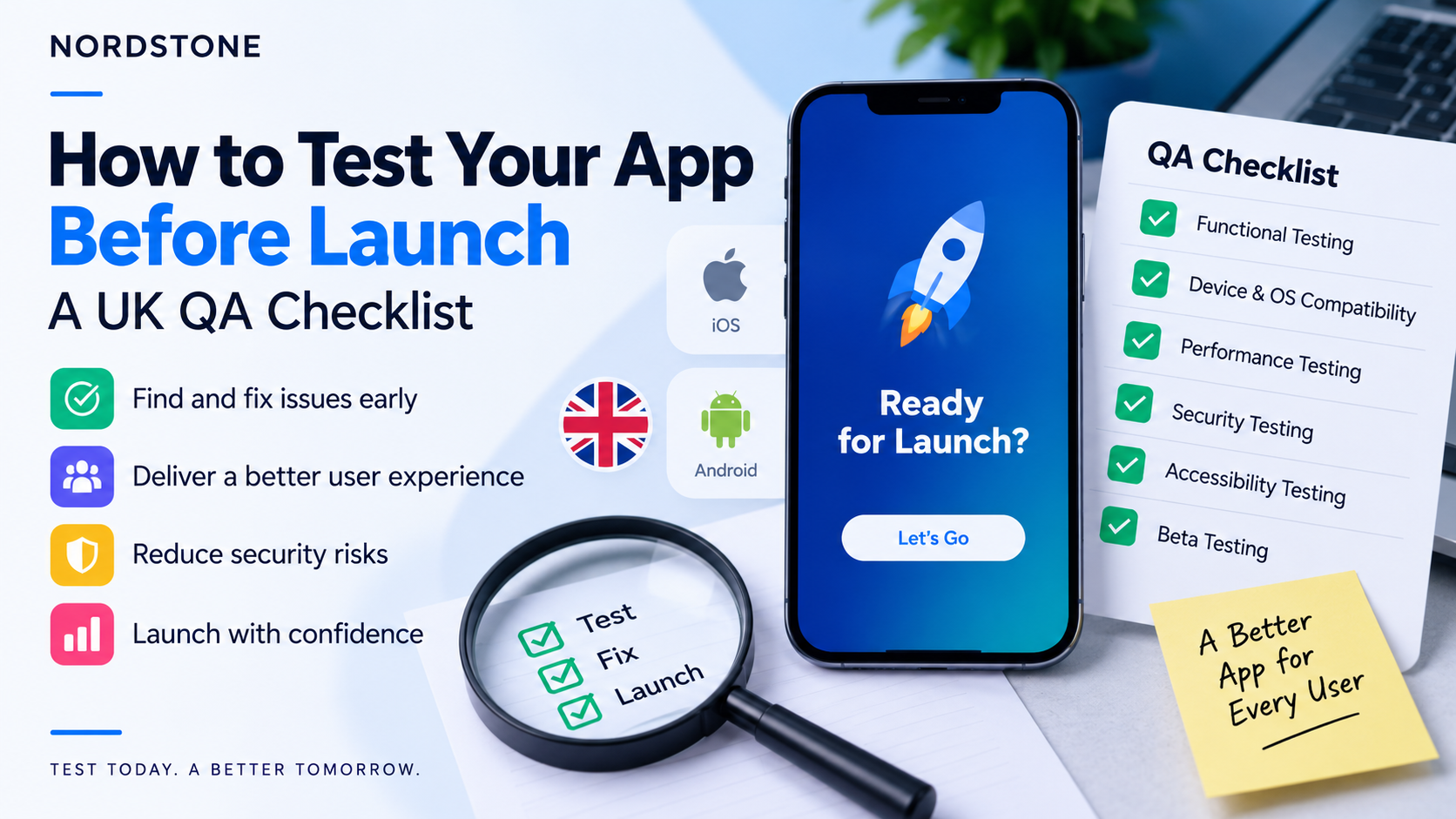
Pre-launch testing must cover functional accuracy, device and OS compatibility, performance under load, security, and accessibility — skipping any one of these is what turns a “nearly ready” app into a public failure. Skipping QA is costly: 15.4% of users uninstall after a single crash, and over half abandon an app after two or three.
TL;DR
- The testing types that matter: functional, device/OS compatibility, performance/load, security, and accessibility — each catches a different class of failure the others miss.
- Device/OS coverage: the UK mobile market is split almost evenly between iOS (51.4%) and Android (48.6%), per StatCounter’s most recent monthly snapshot, so testing on only one platform leaves out roughly half your potential users.
- Security: OWASP’s Mobile Application Security Verification Standard (MASVS) gives a structured baseline for what to check, even without a full penetration test.
- Accessibility: WCAG 2.2 AA is the recognised UK standard for both legal risk under the Equality Act 2010 and, for public sector apps, a direct legal requirement.
- Beta testing: Apple’s Test Flight and Google Play’s closed testing tracks let real users try the app before it’s public, catching issues no internal test plan anticipates.
- The final checklist: treat pre-launch QA as a fixed checklist run against the exact build going live, not a one-off pass on an earlier version.
What should you test before launching an app?
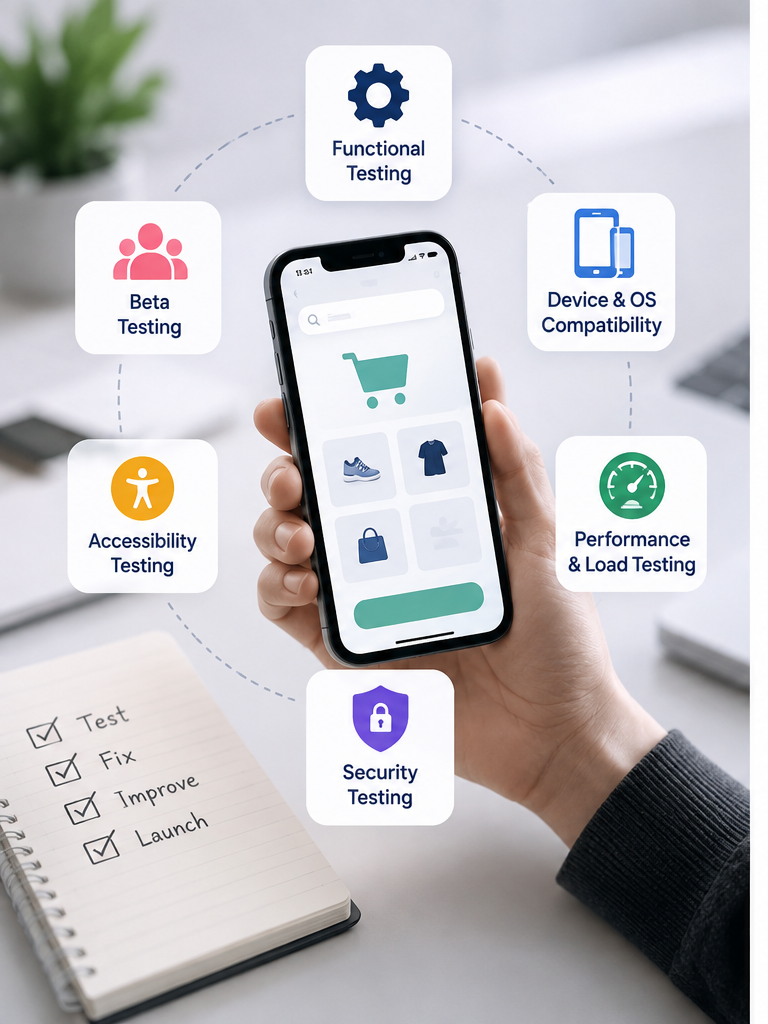
Five categories of testing catch fundamentally different problems, and skipping any one of them leaves a specific kind of failure to be discovered by your first real users instead of by you. Functional testing confirms every feature actually does what it’s supposed to. Device and OS compatibility testing catches the layout, performance and hardware-interaction bugs that only appear on specific phones or software versions. Performance and load testing reveals how the app behaves under real-world stress rather than in a calm development environment. Security testing finds the vulnerabilities that don’t show up as visible bugs until someone exploits them. Accessibility testing confirms the app is actually usable by people with visual, motor, hearing or cognitive differences — which matters both ethically and, increasingly, legally. Treat these as five separate passes, not one general “does it work” check, because a build can pass functional testing perfectly and still fail badly on performance, security or accessibility.
Functional testing
Functional testing confirms that every feature works exactly as specified, across every path a user might realistically take — not just the “happy path” a developer tests while building it. This means testing every form with both valid and invalid input, every button and navigation link, every state a screen can be in (empty, loading, error, populated), and every integration point where the app talks to a payment gateway, a login provider or a third-party API. It’s worth deliberately trying to break things: submitting a form with missing fields, going offline mid-transaction, backing out of a payment halfway through, rotating the device mid-animation. Bugs that only appear when a user does something “wrong” are exactly the ones real users will find first, because real usage is never as tidy as a test script.
Device and OS compatibility
The UK mobile market is split almost evenly between the two major platforms — iOS holds 51.4% and Android 48.6% of UK mobile usage, according to StatCounter’s August 2026 figures — which means a compatibility gap on either platform excludes something close to half your potential audience, not a small edge case. Within each platform, you also need coverage across OS versions (not everyone updates immediately after a new release) and a spread of device sizes and specifications, since a layout that looks perfect on a flagship phone with a large screen can break entirely on a smaller or older device with less processing power. A practical testing matrix for most UK consumer apps covers the two or three most recent major OS versions on each platform, at least one small-screen and one large-screen device per platform, and — if budget allows — one older or lower-spec Android device, since Android’s hardware diversity is far wider than iOS’s and is where most compatibility bugs surface.
Performance and load testing
Performance failures are the single biggest driver of app abandonment: nearly all users cite performance as a decisive factor in whether they keep an app, and just one crash is enough to make 15.4% of users uninstall immediately, with more than half gone after two or three. Performance testing covers app launch time, screen transition speed, memory usage over extended sessions, and battery drain — all things that feel fine in a five-minute demo but degrade noticeably over a real day of use. Load testing is a related but distinct concern: it checks how your backend and infrastructure behave when many users hit it simultaneously, which matters enormously around a launch spike, a marketing push, or — for retail and ticketing apps specifically — a sale or release moment. Testing this before launch, not during your first real traffic spike, is the difference between a smooth peak and a very public outage.
Security testing
Security testing should be structured, not ad hoc, and OWASP’s Mobile Application Security Verification Standard (MASVS) gives a widely-used framework for what “secure enough” actually means for a mobile app — covering areas like data storage and privacy, cryptography, authentication and session management, network communication, and resilience against reverse engineering. Even without commissioning a full penetration test, working through the MASVS checklist yourself catches common issues: data stored unencrypted on the device, sensitive information logged in plain text, weak session handling, or API keys embedded directly in the app binary where they can be extracted. For apps handling payments, health data or other sensitive information, a professional penetration test before launch is worth budgeting for specifically — it simulates real attack techniques rather than relying on a checklist alone, and gives you a documented baseline that’s often expected by partners, insurers or regulators in regulated sectors.
Accessibility testing
WCAG 2.2 AA is the UK’s recognised accessibility standard, and it applies with different force depending on who you are: it’s a direct legal requirement for public sector websites and apps under the Public Sector Bodies Accessibility Regulations 2018, and for private businesses it’s the standard most widely accepted as evidence of meeting the “reasonable adjustments” duty under the Equality Act 2010. In practice, this means testing colour contrast ratios, ensuring every interactive element is reachable and usable via a screen reader (Voice Over on iOS, Talk Back on Android), providing text alternatives for meaningful images, ensuring touch targets are large enough for users with limited dexterity, and confirming the app doesn’t rely on colour alone to convey information like form errors or status. Beyond the legal case, there’s a straightforward commercial one: an app that’s genuinely usable by people with visual, motor or cognitive differences reaches a meaningfully larger audience than one that technically works but excludes them by default.
Beta testing
A structured beta test with real users outside your immediate team catches issues that no internal test plan anticipates, because real people use apps in ways developers and testers simply don’t predict. On iOS, Apple’s TestFlight lets you distribute builds to up to 10,000 external testers via a simple invite link, with built-in crash reporting and feedback collection, and no App Review required for internal or limited external groups. On Android, Google Play’s closed testing track serves the same purpose — and, as covered in our guide to launching an app on the App Store and Google Play, new personal developer accounts are actually required to run a closed test with at least 12 opted-in testers for 14 continuous days before Google grants production access, so this stage isn’t optional for most first-time Android publishers regardless of how confident you are in the build. Aim to recruit beta testers who genuinely resemble your target users rather than only friends, family or colleagues, since testers too familiar with the product tend to navigate around rough edges rather than hitting them the way a genuinely new user would.
| Coverage area | Minimum practical target | Why it matters |
| Platforms | iOS and Android both | UK usage is nearly 50/50 — skipping either excludes about half your users |
| OS versions | Current + previous two major versions per platform | Not all users update immediately; older versions still see real usage |
| Screen sizes | At least one small and one large device per platform | Layout bugs concentrate at screen-size extremes |
| Device age/spec | At least one older/lower-spec Android device | Android’s hardware range is wide; this is where performance bugs surface first |
The pre-launch QA checklist
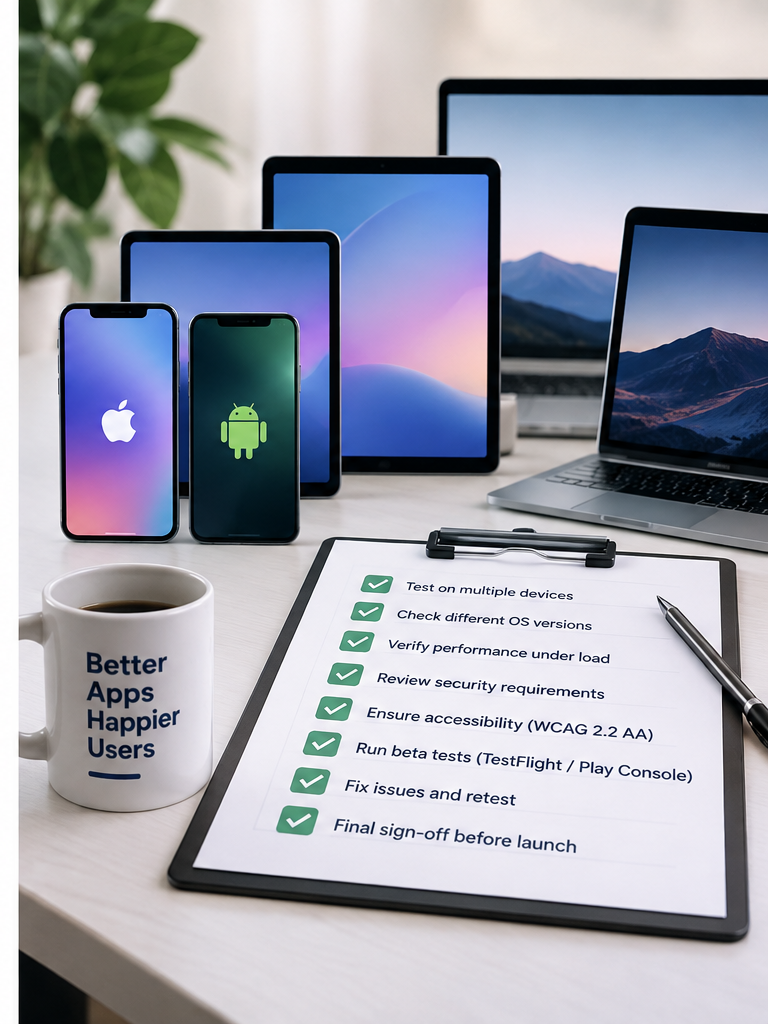
- Every core user journey tested end-to-end on the exact build being submitted, not an earlier version.
- Functional testing complete on all forms, buttons and integrations, including deliberate “unhappy path” testing (invalid input, mid-flow interruptions, going offline).
- Compatibility confirmed across iOS and Android, current and two previous OS versions, and at least one small-screen, one large-screen and one lower-spec device per platform.
- Load testing complete against expected peak traffic, not just average-day usage.
- Security checklist run against OWASP MASVS categories, with a professional penetration test commissioned for any app handling payments or sensitive data.
- Accessibility checked against WCAG 2.2 AA — screen reader navigation, colour contrast, touch target size, and no colour-only status indicators.
- Beta test run via TestFlight (iOS) and a closed testing track (Android), with feedback actioned before submission.
- Crash reporting and analytics live and verified working before the app goes public, so day-one issues are visible immediately.
- Privacy policy, app store listing assets and any required disclosures (see our launch guide) double-checked against the actual current build, not an earlier draft.
Frequently asked questions
What should I test before launching my app?
How do I test my app on lots of devices?
What is OWASP MASVS?
Do I legally need my app to be accessible?
How do I run a beta test?
How long does pre-launch testing take?
What's the cost of skipping QA?
Who should do the testing — me or the agency?
Get a pre-launch QA review
If you’re approaching launch and want a second, independent set of eyes on functionality, compatibility, security and accessibility before you submit, get in touch with Nordstone for a pre-launch-qa-review— we’ll tell you honestly what’s ready and what isn’t.